
On this page

When you buy another home service company, each of its Google Business Profiles has three possible futures: keep it as a separate location, merge it into one of yours, or close it. The one thing you can't do is end up with two active profiles for what is now one business, because Google says "You can have only one Business Profile for each business." A duplicate won't show on Google Search or Maps, and it can get the profile suspended.
The acquired company's Google listing can be one of the most valuable things you bought. It carries the reviews, the map rankings and a big share of the calls. Handling it carelessly can cost you all of that at once, so it's worth deciding what happens to each profile before the signs come down.
What to do with each acquired profile
The right move depends on whether the acquired location will keep operating as its own location after the deal.
| After the acquisition | What to do with the profile | Google's rule behind it |
|---|---|---|
| It stays a separate location with its own staff and service area | Keep the profile and rebrand it in stages | A service business gets a profile per location only when each has its own service area and staff |
| It folds into one of your existing locations | Ask Google to merge the two profiles, or mark the acquired one closed | One profile per business; merged profiles combine reviews |
| It moves to a new address but keeps its name | Update the address on the existing profile | Google moves reviews automatically when the name stays the same |
| It shuts down | Mark the profile permanently closed | Listings should reflect the business as it actually operates |
Whatever you choose, don't create a new profile because the owner changed. Google says it directly: "Do not create a new Business Profile because of a change in a physical location or ownership."
Get ownership of the acquired profile first
None of this works until you control the profile. Ask the seller to add you as an owner before closing, while they still have access and a reason to help.
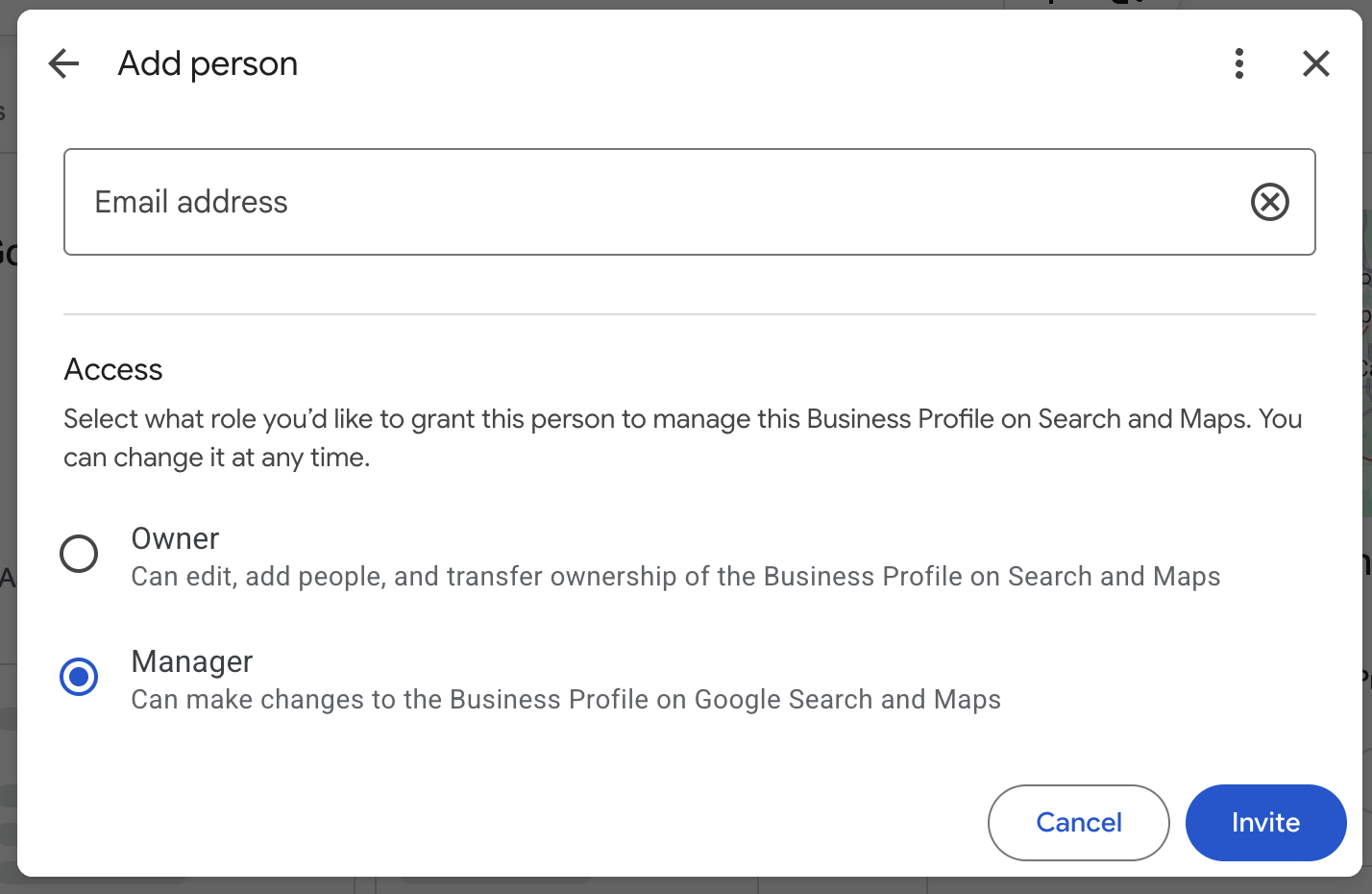
If they can't, request access through Google. The current owner has 3 days to respond. If they approve, you get an email and can manage the profile. If they deny it, you can appeal. If they don't answer within 3 days, you may be able to claim it, though Google notes "the option to claim a profile isn't always available."
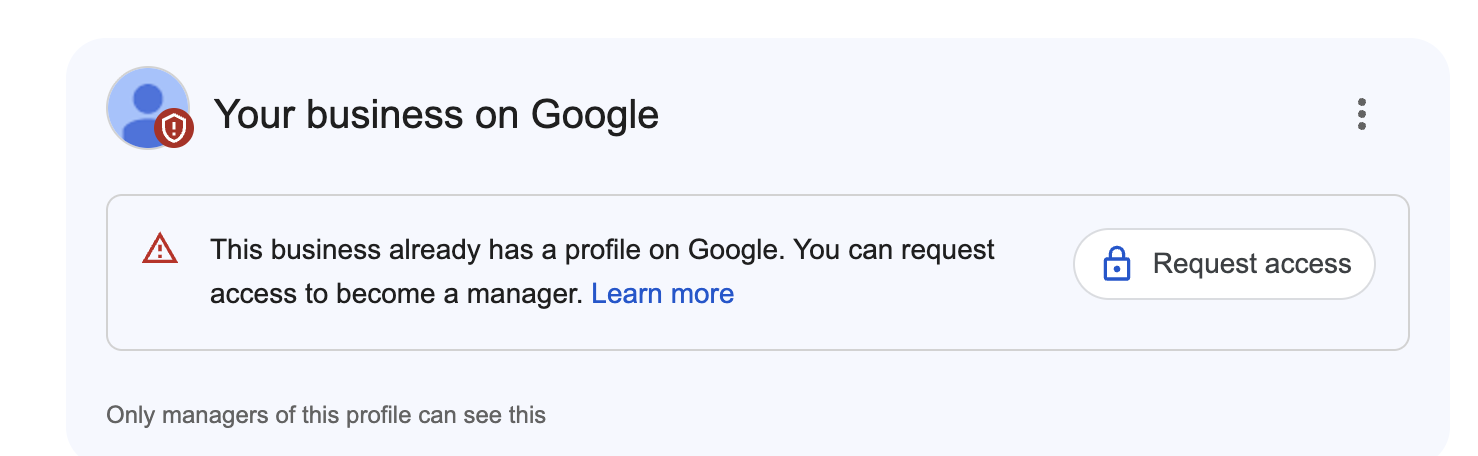
The most common access problem I see is an owner who never had access in the first place because an agency or a former employee set the profile up. In that case, go through Google Business Profile support and prove you're the business owner. Don't make a new profile to get around it.
Rebranding an acquired profile without losing it
A name change is the riskiest edit you can make to a Google listing. Expect it to trigger a re-verification, or even a suspension, so do it in this order:
- Paperwork first. Get the business license or registration for that location under the new name.
- Then the real world. Change the signage, trucks, invoices and the website the profile links to.
- Then the profile name, by itself. Leave the phone number, website and category alone until the name change is approved.
- Then everything else, one field at a time, each after the last one is approved.
Have the new license or a lease with the new name ready, in case Google asks you to verify again. More on which edits get a second look in the edits Google looks at twice.

Merging two profiles into one
Google handles merges through Google Maps: you report the duplicate as a suggestion and Google reviews the request. The two profiles have to represent the same business and show the same information, so finish rebranding the acquired profile to match yours before you ask. When a merge goes through, the reviews are combined, but Google warns that review replies may be lost.
What not to do
- Don't create a new profile for the acquired location because of the ownership change
- Don't run two profiles at the same address for what is now one business
- Don't change the name, address and phone on the acquired profile all at once
- Don't let the seller's agency or a former employee keep owner access after the deal closes
Common questions
Do I lose the acquired company's reviews if I rebrand?
Not if you rebrand the existing profile instead of creating a new one. The reviews stay with the profile. If you merge it into another profile, Google combines the reviews.
What if the seller won't give me access to the profile?
Request access through Google. If the owner doesn't respond in 3 days you may be able to claim it, and if that isn't available, go through Google Business Profile support with proof that you own the business.
Can I keep both profiles if both locations stay open?
Yes, if each location has its own staff and its own service area. If not, they're one business and should have one profile.
If a profile is already suspended, start with why Google suspends home service profiles.
Sources
Is your Google Business Profile complete?
A quick check of what Google and customers look at first: whether you've claimed the profile, your description, hours, website and booking link.