
On this page
Google's video verification asks for one live, unbroken recording, at least 30 seconds long, that shows where your business is, the tools you work with, and proof that you run it. For a service business without a storefront, that means street signs or landmarks near your base, your branded truck or gear, and you doing something only the owner or an employee could do, like unlocking the van.
You record and upload the video from your phone inside your Business Profile. Google says pre-recorded videos aren't allowed, and the recording has to be "unedited, unique, and complete... with no breaks." Review can take up to 5 business days.
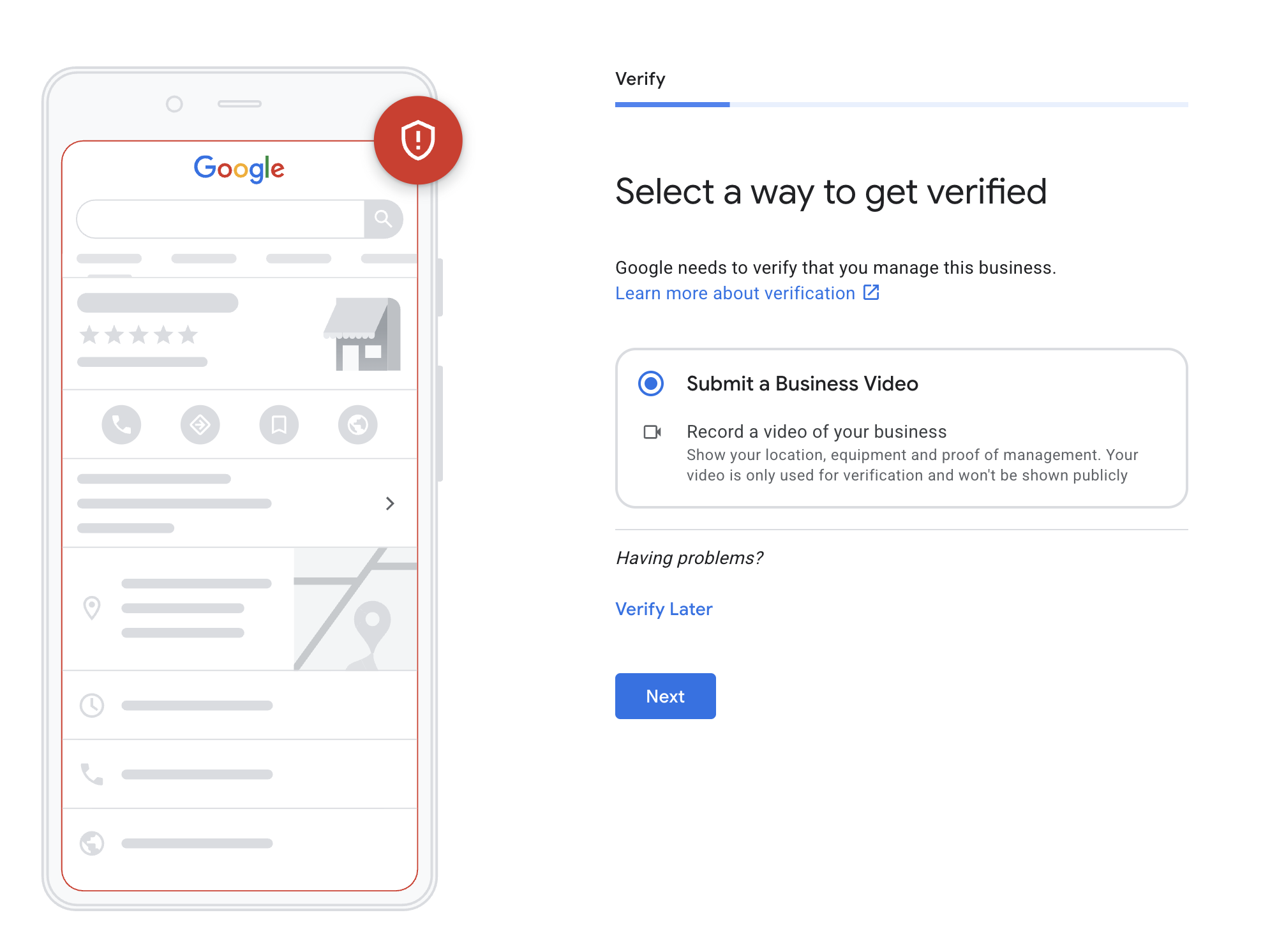
There's no hard rule for when Google asks for a video. Google can ask for one when you first verify a profile, and again when a suspended profile is being reinstated. Whether you're asked depends on things like why the profile was suspended, your business category and the profile's history, and Google usually won't tell you which one triggered it.
Plan the video before you record
My clients who follow the steps below have verified successfully, and every step comes back to one test: would a stranger watching the video be certain this is where you run your business?
- Make sure the address qualifies. It needs to be a real residential or commercial address where you actually work. P.O. boxes, virtual offices and storage units won't pass. A small commercial office is the easiest to verify, but a home address works for a service-area business.
- Get signage up first. If you work from a commercial space, put your logo on the window or door before you record. If you share the building with another business, your signage has to make it obvious which space is yours.
- Do practice runs and time them. You can't pause, cut or edit, so walk the whole route a few times first and note how long it takes. The final video has to be at least 30 seconds.
- Park the work truck out front, in the driveway or the lot, so it's in the same shot as the building.
The shot list
Record all of this in one continuous take, in this order:
- Street signs and neighbors. Start at the nearest street sign, then pan across the houses or businesses next door so Google can match the location to Street View.
- The building. Show the outside, the address number, the mailbox and any signage or directory with your name on it.
- The truck, outside. Get the logo and graphics clearly in frame.
- The truck, inside. Show it stocked with the tools, equipment and supplies of your trade.
- Unlocking the door. Film your hand opening the locked door with a key or keypad. Google lists actions like this, and unlocking a branded van, as proof that you manage the business.
- Inside. Walk in, through the hall or up the stairs, to where you work. A desk, computer, phone and tools on the shelves all help. Avoid an empty room if you can.
- Documents. Zoom in on your business license, state registration or LLC paperwork, and an invoice, so the business name and address are easy to read. Business cards and flyers help too. Everything has to match the name and address on your profile.
- Your software. If you can, finish on a computer or tablet with your scheduling or field service software open.
Keep bank, tax ID and personal ID numbers out of frame (cover them on the documents), and keep other people's faces out of the shot. Google asks you to leave them out.
If you work from home and would rather not film your house number, Google says home-based businesses can film landmarks and signs in the surrounding neighborhood instead.
Ideas by trade
| Trade | Tools and gear worth showing |
|---|---|
| HVAC | Branded van, gauges and recovery machine, a unit you're servicing |
| Pest control | Branded truck, sprayers and bait stations, your applicator license with the business name |
| Lawn care | Trailer with branded mowers and equipment, the shop or storage where they live |
| Plumbing | Branded van, drain machine, camera, parts bins |
| Roofing | Branded truck, ladders, a job-site yard sign with your name |
If Google offers a live video call instead
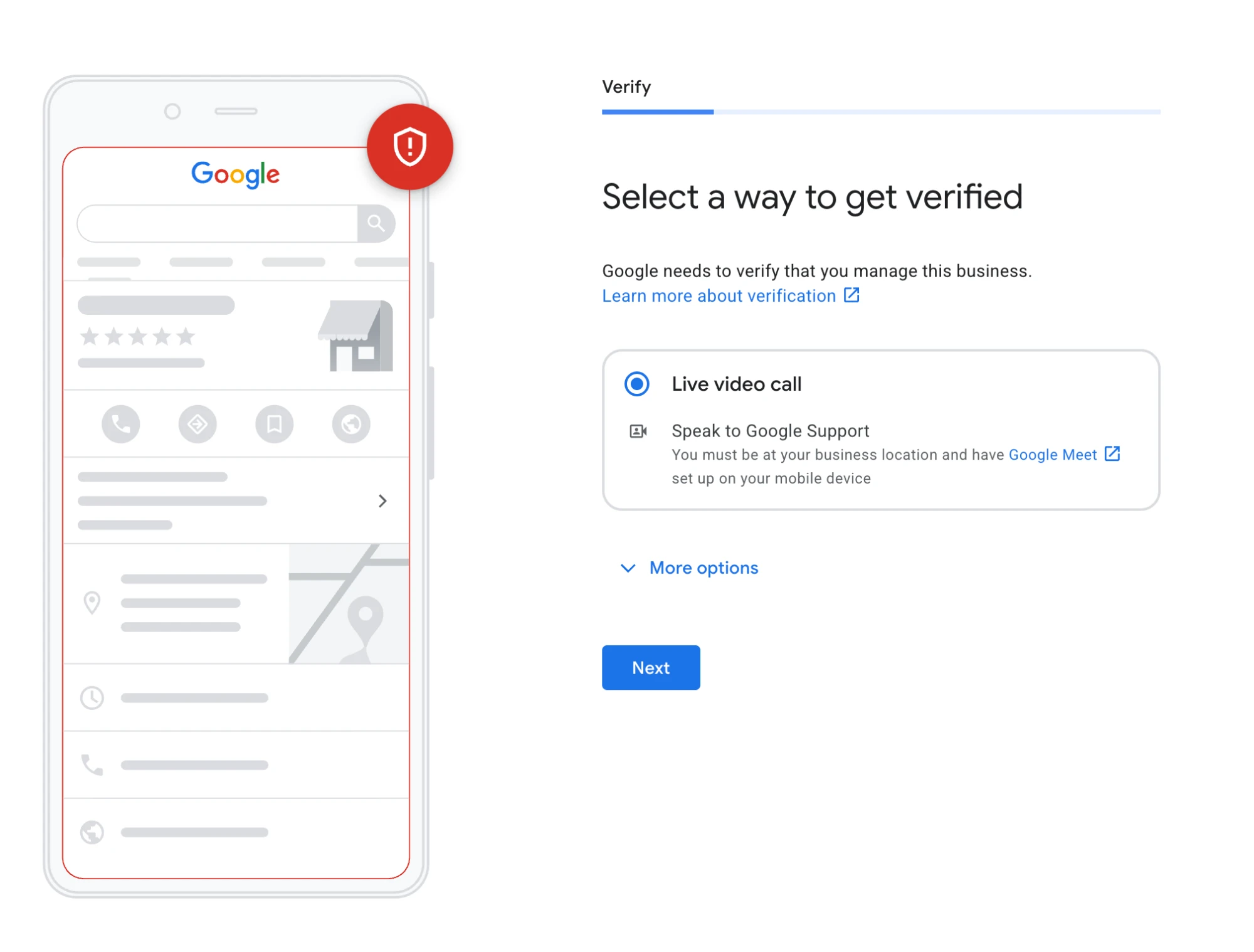
On a re-verification, Google can offer a live video call with Google Support in place of a recorded video. You have to be at your business location and have Google Meet set up on your phone, so install the app and plan to take the call on site. I've only seen this option on a re-verification so far, so don't count on it for a first-time verification.
What gets a verification video rejected
Most rejected videos break one of Google's recording rules or don't show enough to connect you to the business:
- The video was recorded earlier and uploaded, not captured live
- It was edited, cut or paused partway through
- It's shorter than 30 seconds
- It shows empty land or a spot with no signs or landmarks
- The name on your truck, gear or documents doesn't match the name on your profile
- It shows bank, tax or ID numbers, or other people's faces
The name mismatch is the one I'd check twice. If your profile name has extra words your truck doesn't, fix the profile name before you record, not after.
If your video is rejected
A rejected video shows as "Not successful," and Google tells you what was missing. Tap Review issues, then record a new video that covers everything from the first one plus the missing items. Google's review can take up to 5 business days each time, so it's worth getting it right on the first take.
If you're verifying because your profile was suspended, start with why Google suspends home service profiles. If you work from home, see Google's rules for owner-operators.
Common questions
Do I have to show my home address in the video?
No. If customers don't come to your house, Google says you can film landmarks and signs in the surrounding neighborhood instead.
How long does video verification take?
Google says review can take up to 5 business days.
Can I record the video ahead of time and upload it?
No. Google requires a live recording made through your Business Profile on your phone.
Sources
Is your Google Business Profile complete?
A quick check of what Google and customers look at first: whether you've claimed the profile, your description, hours, website and booking link.