
On this page

A Google Business Profile appeal works when you fix the problem first, gather documents that show your business name and address exactly as they appear on the profile, and submit everything in one sitting. Google gives you one appeal per decision, so this checklist is about getting that one right.
Get compliant before you appeal. You get one appeal, and if it's denied, one more review. Spend either one on a profile that still breaks Google's rules and you've wasted it. Once you start the appeal, you have 60 minutes to upload your documents and finish the evidence form, so have everything ready before you click start.
If you're not sure why your profile was suspended in the first place, read why Google suspends home service profiles before you go any further.
The appeal checklist
Work through these before you open the appeal form:
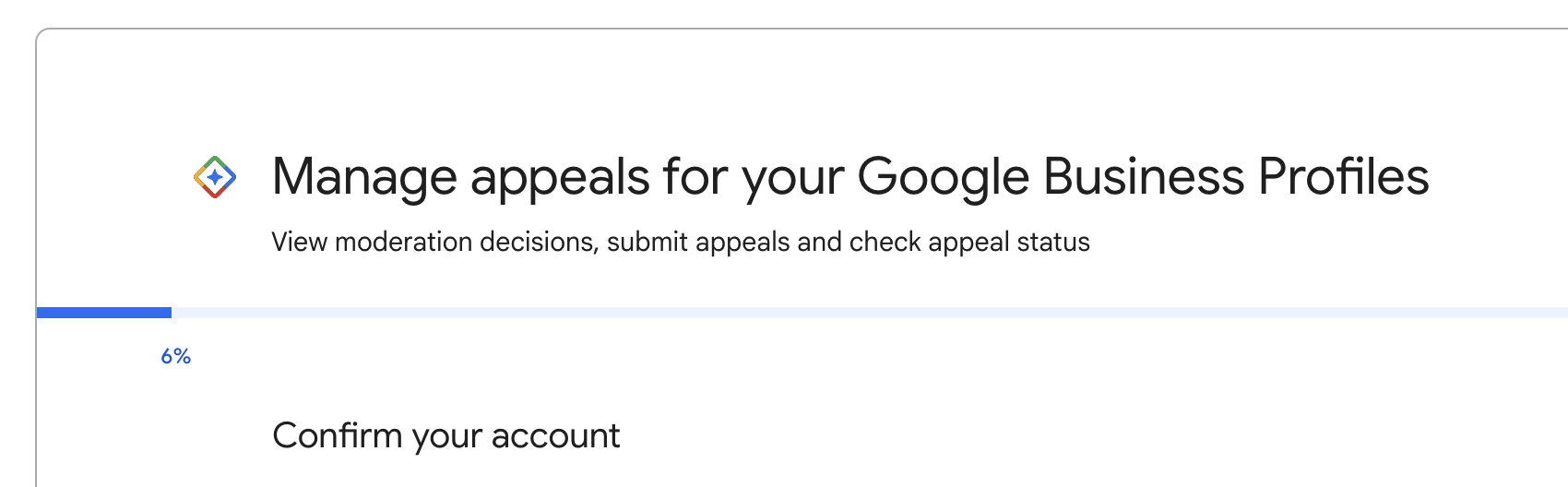
- Open the Business Profile appeals tool (Google links it from its help page on suspended profiles), select the profile and read the reason and the policy Google linked to the decision
- Fix whatever that policy points to: the name, the address, the service area, a duplicate profile
- Make sure your website, signage and trucks show the same name, address and phone as the profile
- Gather your documents (see the table below) and check that the name and address on each one match the profile exactly
- Write two or three sentences on what happened and what you changed
- Set aside an hour with your files on the device you'll use, since the evidence form has a 60-minute window
- Check whether your whole Google account is restricted. If it is, appeal the account first from the My accounts page
The evidence Google wants
Google's appeal page lists business registration, a business license, tax certificates and utility bills as accepted evidence, and says the business name and address on each one have to match your Business Profile.
| Document | What it proves | Watch out for |
|---|---|---|
| Business license with your address | That the business exists at that address | An old license with a previous address or name |
| Lease agreement | That you occupy the location | A lease in an owner's personal name rather than the business name |
| Business registration | That the business is legally registered under that name | A registered name that differs from the profile name |
| Tax certificate | That the business is registered with the state or county | Tax ID numbers you don't need to show |
| Utility bill (electric, phone, cable, internet) | That the business receives service at the address | A bill in a personal name, or for a different unit |
| DBA filing | That you're allowed to operate under the trade name | On its own it won't get you verified. Use it to support a license or lease, not in place of one |
If your profile name and your license don't match, change the profile to match the license before you appeal.
Submitting the appeal
Submit once. Google says "Appeals can only be submitted once," and you shouldn't file a second appeal on the same issue while the first one is pending. Attach your documents, add your short explanation, and keep it factual: what Google flagged, what you changed, and which documents prove the business is real at that address.
Google may also ask you to verify the business again, sometimes by video. The video verification guide has the full shot list.
While you wait
Google says decisions can take up to 5 business days. In practice, appeals often take longer than that, sometimes weeks, depending on the original reason for the suspension and how quickly you send any follow-up documents Google asks for.
That second part matters more than people expect. Google's support team expects you to answer their requests within a reasonable timeframe. If you don't, they treat the matter as closed and you have to start over. Watch the inbox for the Google account that owns the profile, including the spam folder.
Leave the profile alone while the appeal is open, and don't create a new profile for the same business. Google says not to, and a second profile adds a duplicate to the problem you already have. You can check progress in the appeals tool, which shows one of these statuses: Submitted, Approved, Not Approved, Can't be appealed, or Eligible for appeal.
If the appeal is denied
You get one additional review, and you can only ask for it after a denial. Use it to add evidence you didn't include the first time. If you sent a utility bill the first time, send the business license or lease this time.
Common questions
How many times can I appeal a suspension?
Once per decision, plus one additional review if the first appeal is denied.
How long does a Google Business Profile appeal take?
Google says up to 5 business days. In practice, it often takes longer, sometimes weeks, depending on the reason for the suspension and how quickly you answer any follow-up requests.
Is a DBA enough to get my profile reinstated?
Usually not on its own. Use it to support a business license or lease that shows the same name and address.
Sources
Is your Google Business Profile complete?
A quick check of what Google and customers look at first: whether you've claimed the profile, your description, hours, website and booking link.