
On this page
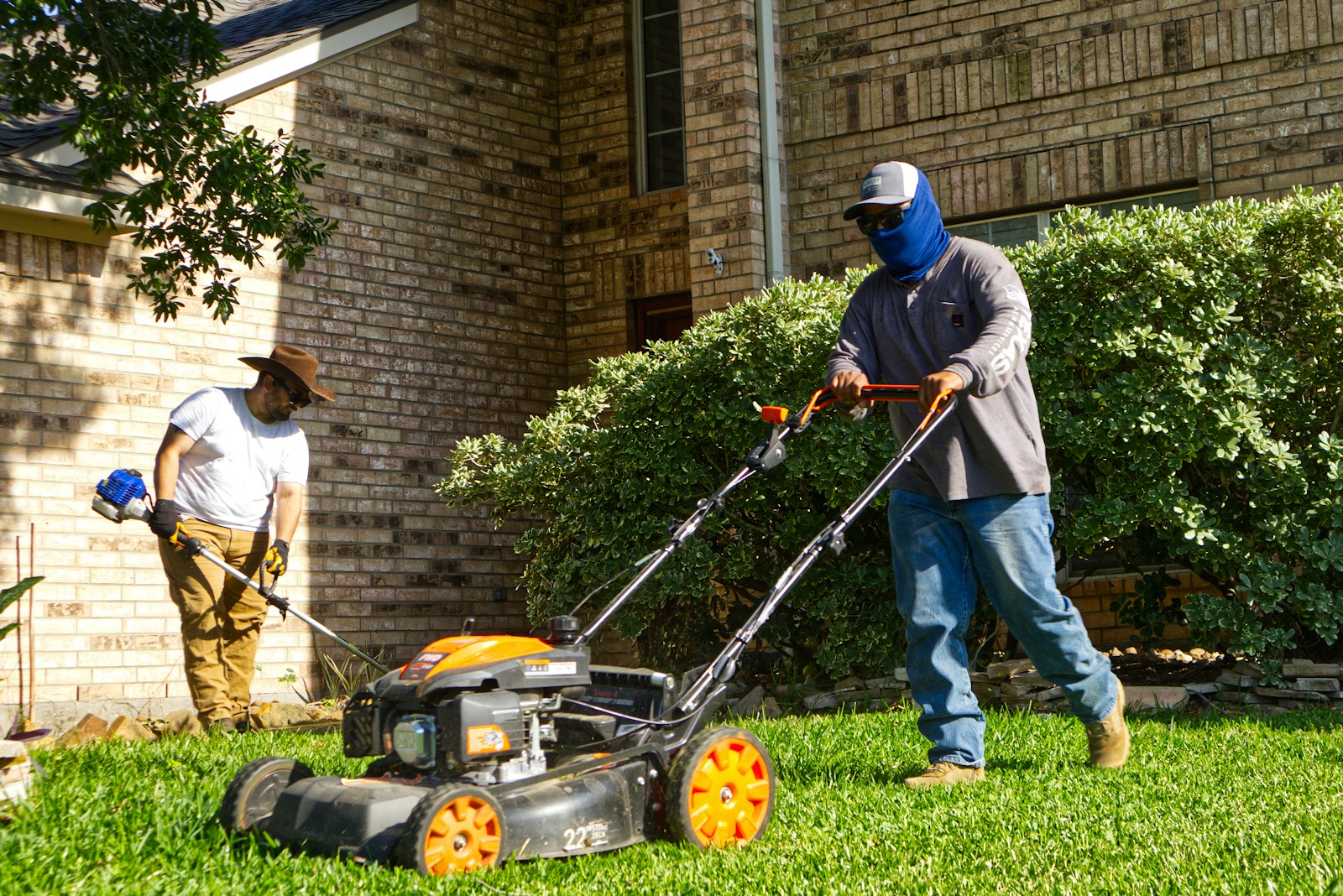
If you run a lawn, pest, plumbing or HVAC business from your house and customers don't come to you, Google wants your home address off your Business Profile and your service areas listed instead. Google calls this a service-area business, and it can still be verified and still show up in the map results.
Showing a home address as if it were a storefront is the suspension I've run into most. It tells Google customers can walk in, and they can't. Video verification now catches most of these before a new profile goes live, but plenty of older profiles were set up before that. Those tend to get suspended when the owner makes a routine update and Google takes a fresh look at the whole listing.
Storefront, service-area or hybrid: which one you are
Google sorts every local business into one of three types, and the type decides whether your address shows.
| Type | Who it fits | Address on the profile |
|---|---|---|
| Storefront | Customers come to you during business hours, and you have permanent signage | Shown |
| Service-area business | You go to customers and don't serve them at your address | Removed. You list service areas instead |
| Hybrid | You serve customers at your location and also go to them | Shown, plus service areas |
Most home-based trade businesses are service-area businesses. Google is direct about it: if you don't serve customers at your location, "do not add your business address to your Business Profile." Google also says a business without permanent on-site signage isn't eligible as a storefront.
Setting your service areas
You set service areas in your Business Profile under Edit profile, then Location, then Service area. A few rules from Google's service area guide:
- You can list up to 20 service areas, by city, postal code or other area
- You can't draw a radius around your house anymore
- The whole area shouldn't extend more than about 2 hours of driving time from where you're based
- Approved edits can take up to 48 hours to show
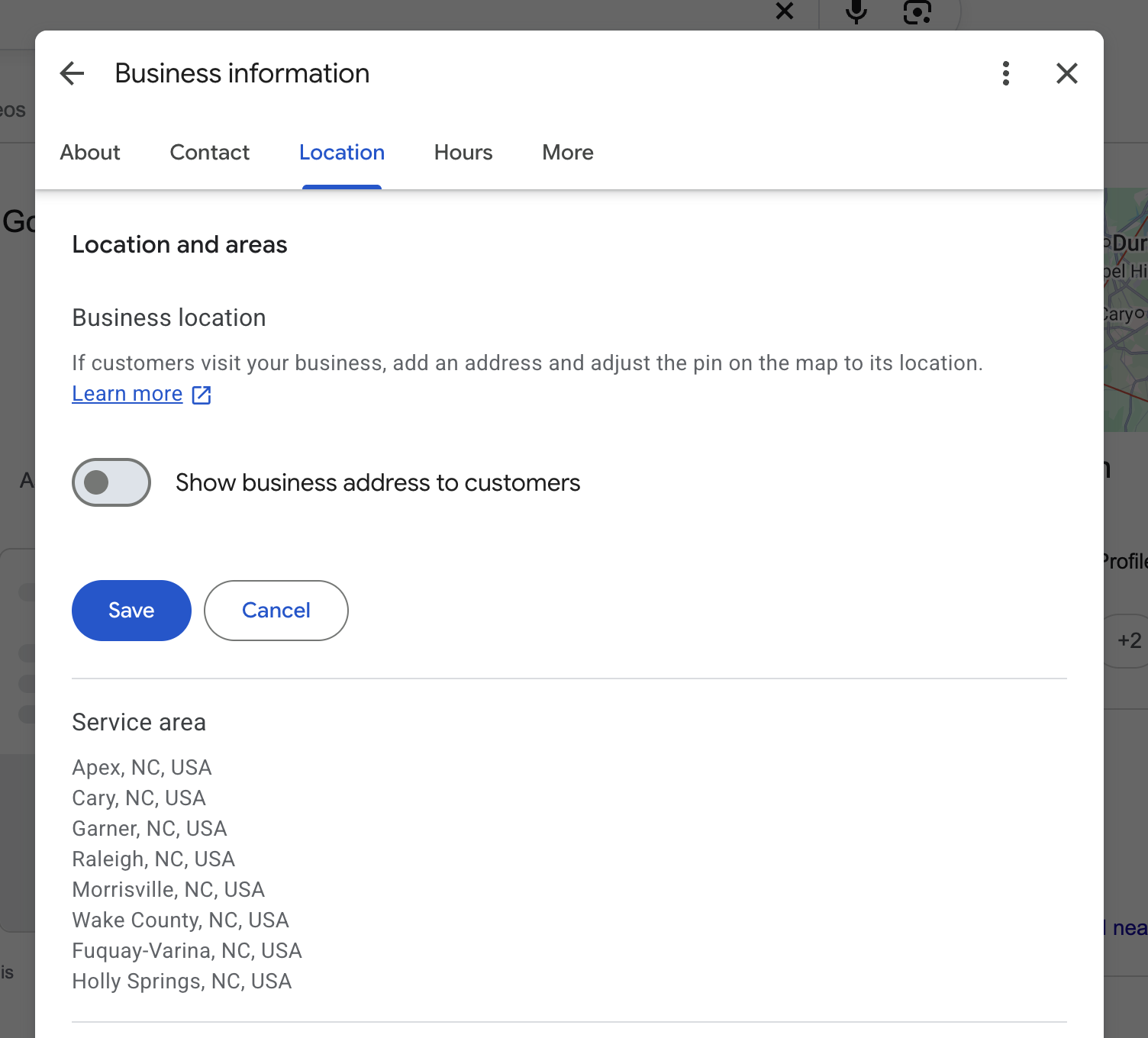
List the places you actually want work from, not every town you'd drive to. A service area covering half the state is a red flag, and it rarely helps you show up in those places anyway.
Verifying a business you run from home
Removing your address from the public profile doesn't mean you can't verify it. Google still needs to know where you're based, it just doesn't show it to customers. If Google asks for a video, you don't have to film your house number. Google says home-based businesses can film landmarks and signs in the surrounding neighborhood, then show your branded truck, your tools and a document with your business name. The full shot list is in the video verification guide.
The paperwork still has to line up. The name on your business license should match the name on your profile, and if Google asks for documents, a license showing your address is the strongest thing you can send.
Mistakes that get home-based profiles suspended
- Leaving the home address showing on a profile that doesn't serve walk-in customers
- Switching to a virtual office or rented mailbox to look like a storefront. Google says a virtual office "isn't eligible for a Business Profile"
- Listing a service area much bigger than about 2 hours from home
- Making a second profile for the next town over, using a relative's address
- Removing the address and changing the name and phone in the same sitting
That last one catches people who decide to clean everything up at once. Change the address setting first, wait for it to be approved, then handle anything else one field at a time.
Common questions
Will removing my address hurt my rankings?
In my experience, yes. Storefront and hybrid businesses with a public, physical address tend to rank higher than service-area businesses with a hidden address. That still isn't a reason to show your house. If customers don't come to you, a visible home address is what gets profiles suspended, and a suspended profile doesn't rank at all.
Can I still show up in the map results without an address?
Yes. Service-area businesses appear in Google's map results for the areas they serve. Google just doesn't show customers where you're based.
Can I use a P.O. box or a UPS store box instead of my home address?
No. Google says P.O. boxes and mailboxes at remote locations "aren't acceptable" as a business address.
If your profile has already been suspended, start with why Google suspends home service profiles.
Sources
Is your Google Business Profile complete?
A quick check of what Google and customers look at first: whether you've claimed the profile, your description, hours, website and booking link.